

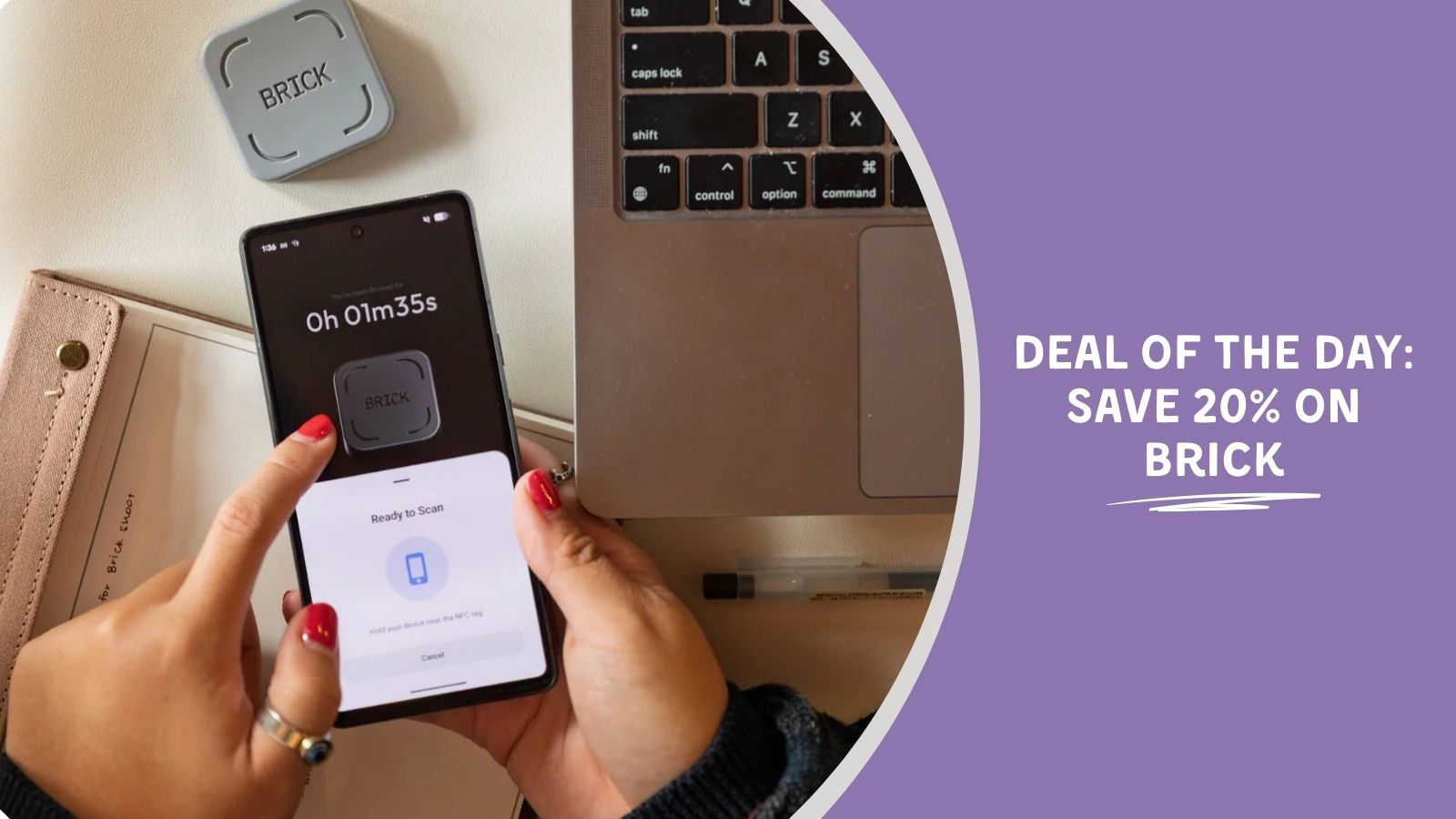
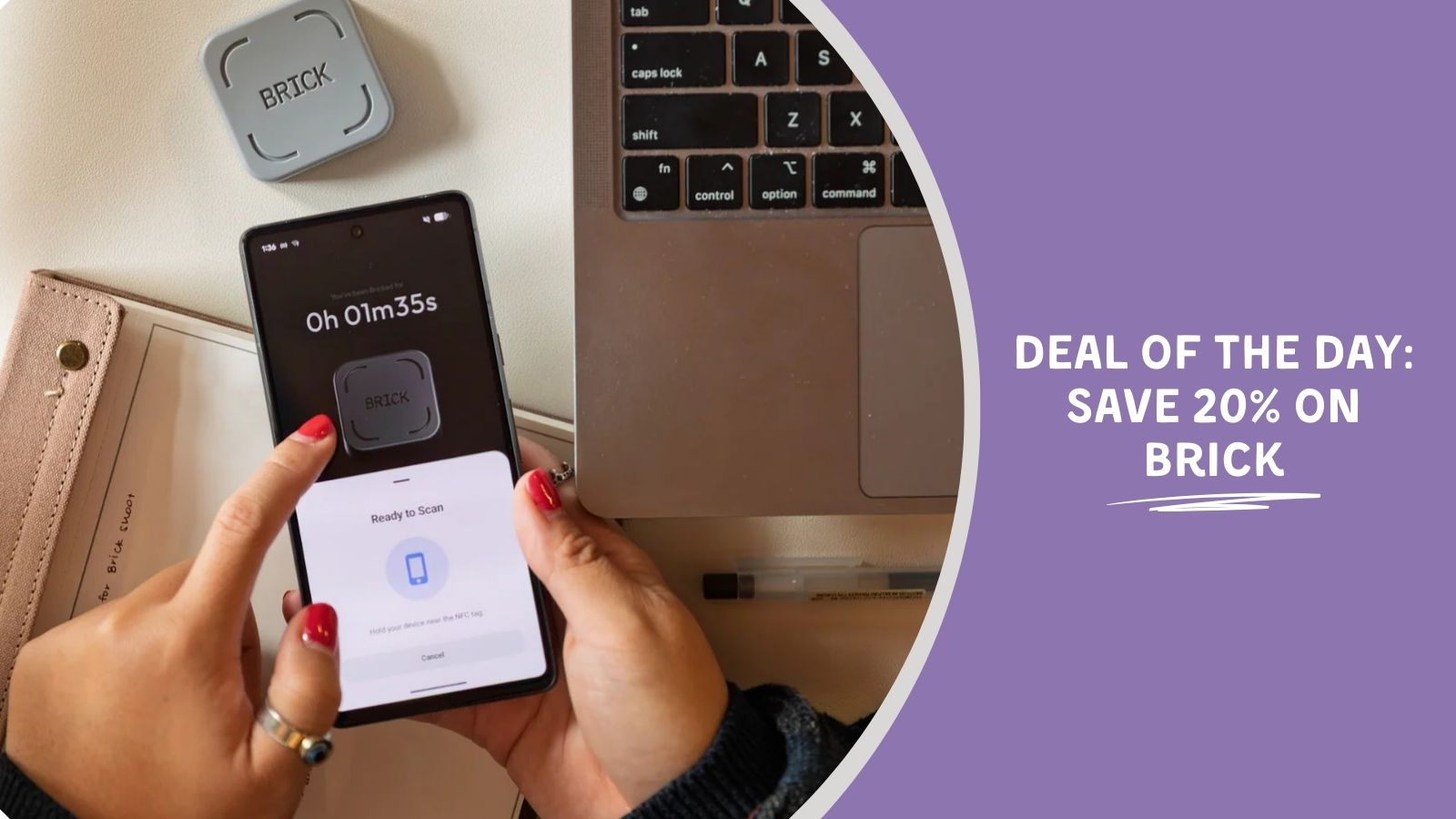
The longer the semester wears on, the harder it can be to focus on grading, planning, or other admin-centric tasks that don’t directly deal with students. And if your phone is your favorite procrastination go-to, you might be interested in something that blocks all of the distracting apps for a set amount of time. Enter: the Brick.
Teachers can save 20% on Brick
Most screen-limiting apps have easy workarounds. Some people might click the “skip” button before the timer is up, while others might just delete the app altogether. But Brick makes it harder to use loopholes thanks to physical distance.
To lock your chosen apps or websites, you have to tap your phone to the brick. Likewise, to reenable it all, you have to physically rescan the device. That means you can leave the Brick behind—be it in another room at home or in a desk drawer while you teach—to prevent yourself from absent-mindedly scrolling.
If you’re interested in digital detoxes or distraction-free planning time, you can also take advantage of Brick’s 20% teacher discount via ID.me!
We’re curious—what else can we help you save on this month?
Email us at [email protected] and we’ll try to include your suggestions in our deal roundups. Happy shopping!
